
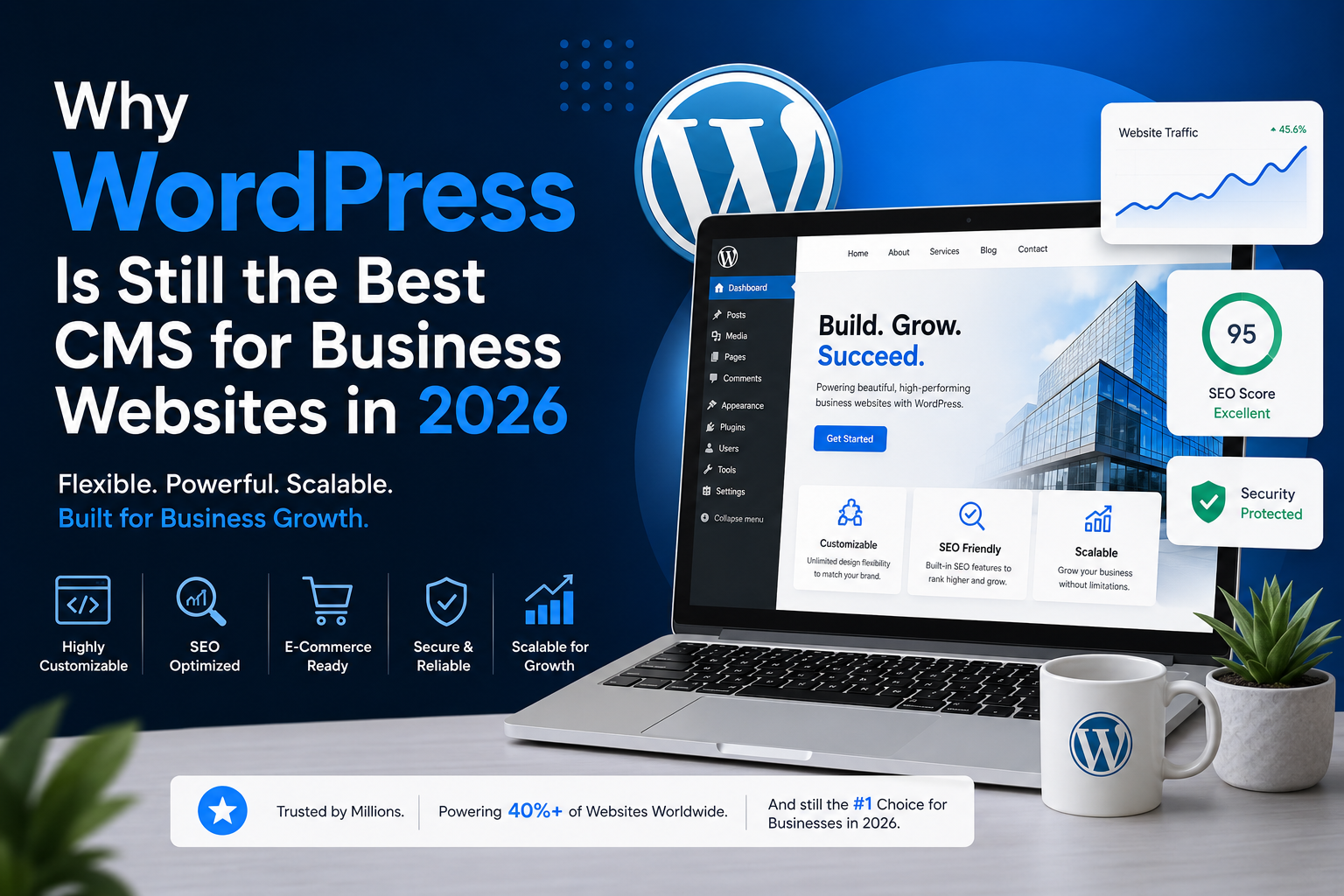
Why WordPress Is Still the Best CMS for Business Websites in 2026
Introduction
Choosing the right Content Management System (CMS) is one of the most important decisions for any business building an online presence. With hundreds of website platforms available today, businesses often compare options such as Shopify, Wix, Webflow, Squarespace, and custom-built solutions.
Despite growing competition, WordPress continues to dominate the CMS market in 2026. Powering more than 40% of websites worldwide, WordPress remains the preferred choice for businesses of all sizes—from startups and local businesses to large enterprises.
So, what makes WordPress the best CMS for business websites in 2026? Let’s explore.
1. Unmatched Flexibility
One of the biggest advantages of WordPress is its flexibility.
Whether you need:
- A corporate website
- A service-based business website
- An e-commerce store
- A membership portal
- A blog or editorial platform
- A custom web application
WordPress can handle it all.
Unlike many website builders that limit customization, WordPress allows businesses to create exactly what they need without platform restrictions.
2. SEO-Friendly Architecture
Search engine visibility remains essential for business growth.
WordPress is built with SEO in mind and offers:
- Clean URL structures
- Fast indexing by search engines
- Easy metadata management
- XML sitemap support
- Schema integration
- SEO plugins like Rank Math and Yoast SEO
Businesses using WordPress can implement advanced SEO strategies without requiring extensive technical expertise.
Benefits of SEO-Friendly Websites
- Higher search engine rankings
- Increased organic traffic
- Better lead generation
- Improved brand visibility
- Lower customer acquisition costs
3. Cost-Effective Website Development
Many businesses choose WordPress because it offers excellent value for money.
Compared to custom-coded solutions, WordPress significantly reduces development costs while maintaining flexibility and scalability.
Businesses can start with a simple website and gradually expand functionality as they grow.
This makes WordPress ideal for:
- Startups
- Small businesses
- Growing companies
- Agencies
- E-commerce brands
4. Massive Plugin Ecosystem
WordPress offers thousands of plugins that allow businesses to extend functionality quickly.
Popular business features include:
Marketing
- Email marketing integrations
- CRM connections
- Lead generation forms
E-Commerce
- WooCommerce
- Payment gateways
- Subscription systems
SEO
- Rank Math
- Yoast SEO
- Schema plugins
Security
- Firewall protection
- Malware scanning
- Login security
This ecosystem enables businesses to add powerful features without rebuilding their websites from scratch.
5. Mobile-First User Experience
In 2026, mobile traffic continues to dominate.
WordPress themes and page builders like Elementor make it easy to create fully responsive websites that perform well on:
- Smartphones
- Tablets
- Laptops
- Desktop computers
A mobile-friendly website improves:
- User experience
- Conversion rates
- SEO performance
- Customer engagement
6. Easy Content Management
Business owners often need to update:
- Services
- Blog posts
- Team members
- Portfolio items
- Testimonials
- Pricing information
WordPress allows non-technical users to manage content without hiring developers for every small change.
This saves both time and operational costs.
7. Scalability for Business Growth
Many businesses worry about outgrowing their website platform.
WordPress scales efficiently as your business expands.
Whether you have:
- 100 monthly visitors
- 10,000 monthly visitors
- 1 million monthly visitors
WordPress can handle growth when properly optimized and hosted.
Major brands and publishers trust WordPress because it supports large-scale websites without sacrificing performance.
8. Strong Security Features
Website security remains a major concern in 2026.
WordPress offers robust security through:
- Regular core updates
- Security plugins
- Two-factor authentication
- Backup systems
- Firewall protection
- Malware monitoring
When maintained correctly, WordPress can be highly secure for business websites.
9. Easy Third-Party Integrations
Modern businesses rely on multiple software solutions.
WordPress integrates easily with:
- CRM systems
- Payment gateways
- Marketing automation tools
- Booking platforms
- ERP systems
- Custom APIs
These integrations help businesses automate workflows and improve operational efficiency.
10. Large Developer Community
One major advantage of WordPress is its global community.
Businesses can easily find:
- Developers
- Designers
- SEO specialists
- Maintenance providers
- Plugin developers
This reduces dependency on a single vendor and ensures long-term support.
WordPress vs Other CMS Platforms
| Feature | WordPress | Wix | Squarespace | Shopify |
|---|---|---|---|---|
| SEO Flexibility | Excellent | Moderate | Good | Good |
| Custom Development | Excellent | Limited | Limited | Moderate |
| Scalability | Excellent | Moderate | Moderate | Excellent |
| Content Management | Excellent | Good | Good | Moderate |
| Ownership | Full Control | Platform Dependent | Platform Dependent | Platform Dependent |
| Cost Efficiency | Excellent | Moderate | Moderate | Higher |
Is WordPress the Right Choice for Your Business?
WordPress is ideal if you need:
✅ Full ownership of your website
✅ Strong SEO capabilities
✅ Custom functionality
✅ Scalability for growth
✅ Easy content management
✅ Cost-effective development
Whether you’re launching a startup website or upgrading an established business platform, WordPress remains one of the smartest investments you can make.
Conclusion
As businesses continue to prioritize digital growth in 2026, WordPress remains the leading CMS because of its flexibility, SEO advantages, scalability, security, and extensive customization options.
While many website platforms come and go, WordPress continues to evolve and adapt to modern business requirements. For organizations looking to build a professional, search-engine-friendly, and future-ready website, WordPress remains the best CMS choice available today.
Ready to build a business website that grows with your company? WordPress provides the flexibility and power to make it happen.